Open Closed Eyes in a Photo
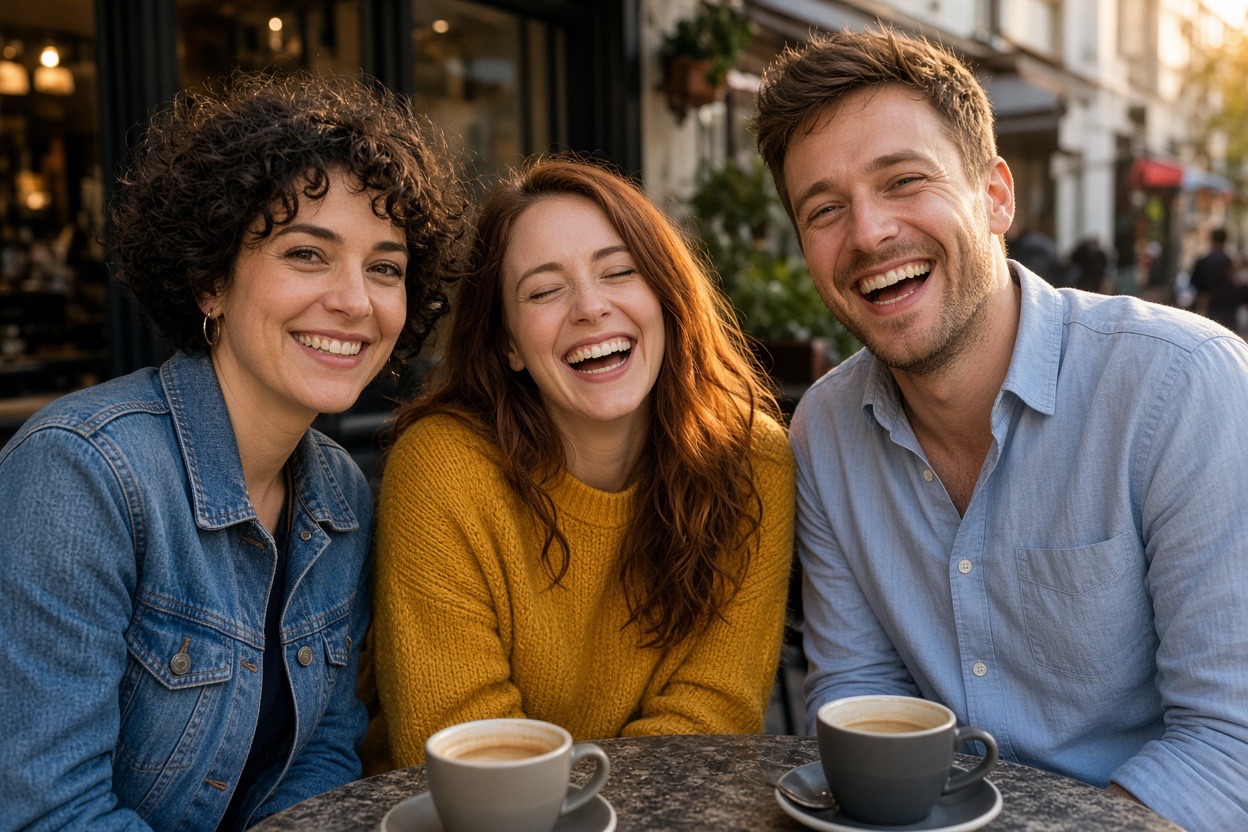
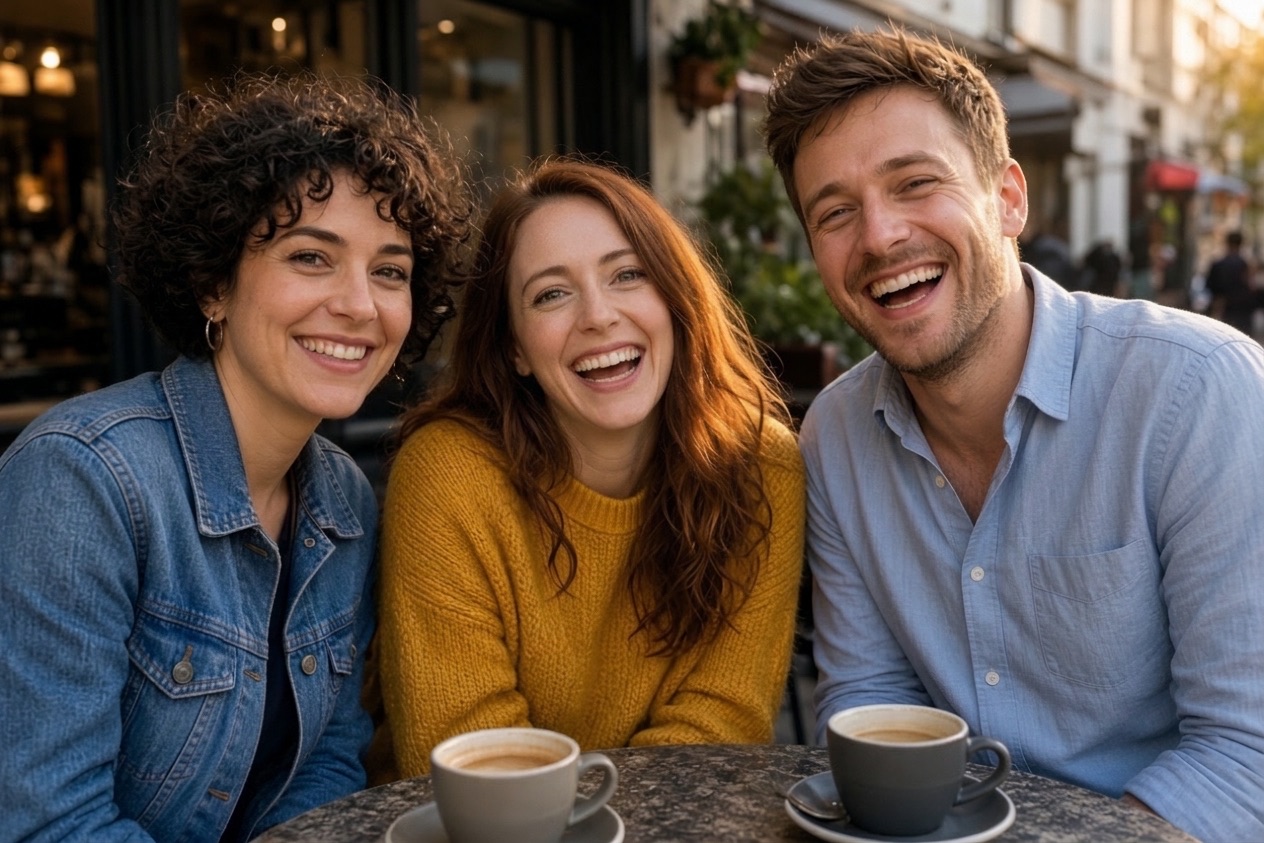
Someone always blinks in the best group photo. Upload that photo and the AI opens the closed eyes naturally, matching the direction the person is looking and the light on their face, while every other face, the background and the colors stay exactly the same. If you have another photo of the person with their eyes open, add it as a reference for an even closer match.
First photo free with an account · then 5 photos for $4.99, no subscription
Three real results
Make yoursEach new photo was made from the photos beside it, in about a minute.
The people already in the photo keep their faces, clothes and poses.
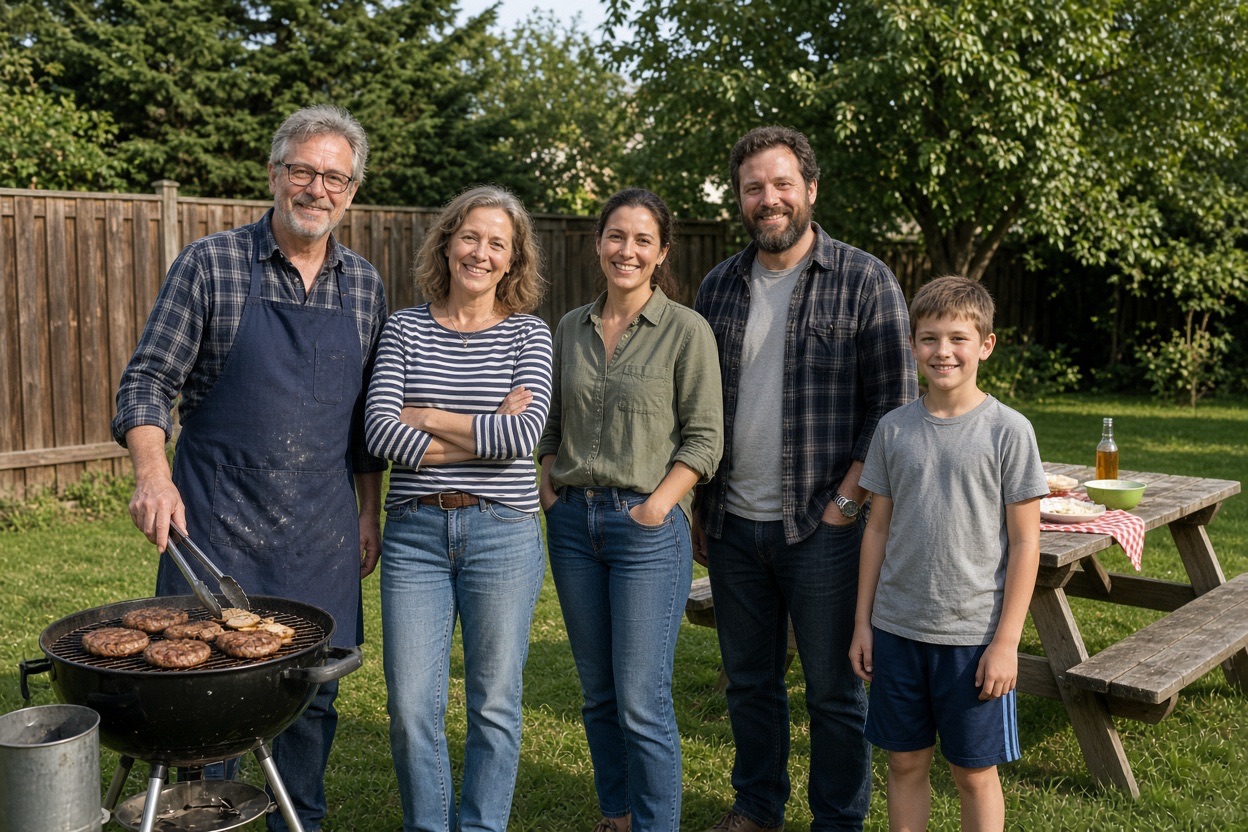
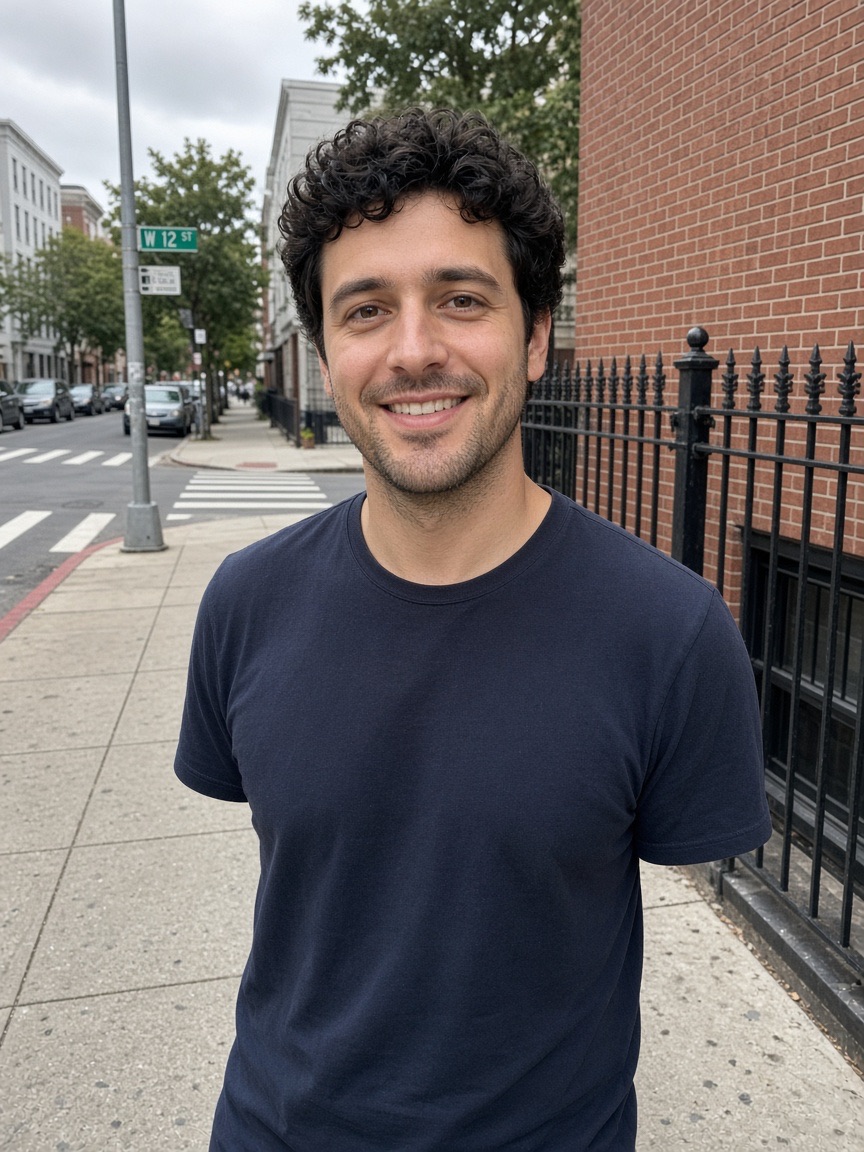
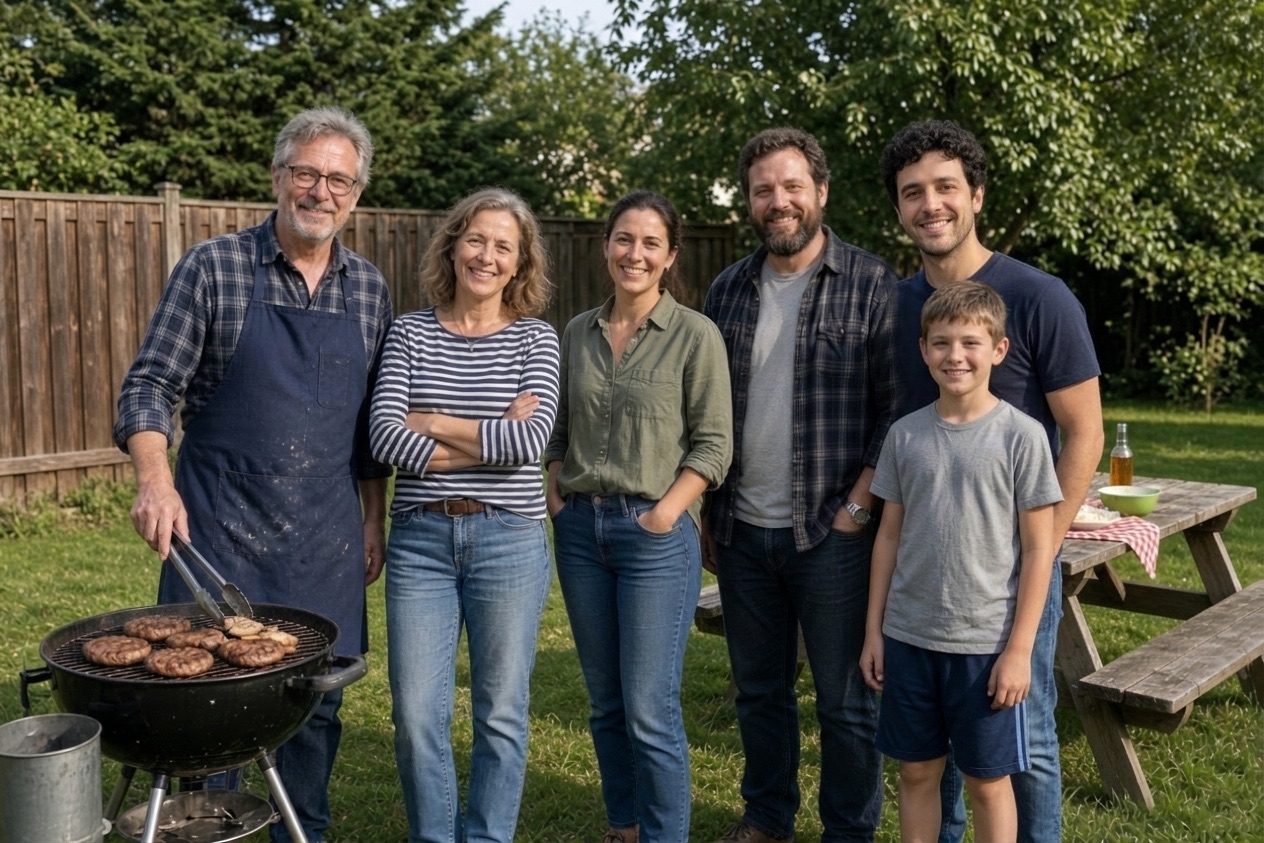
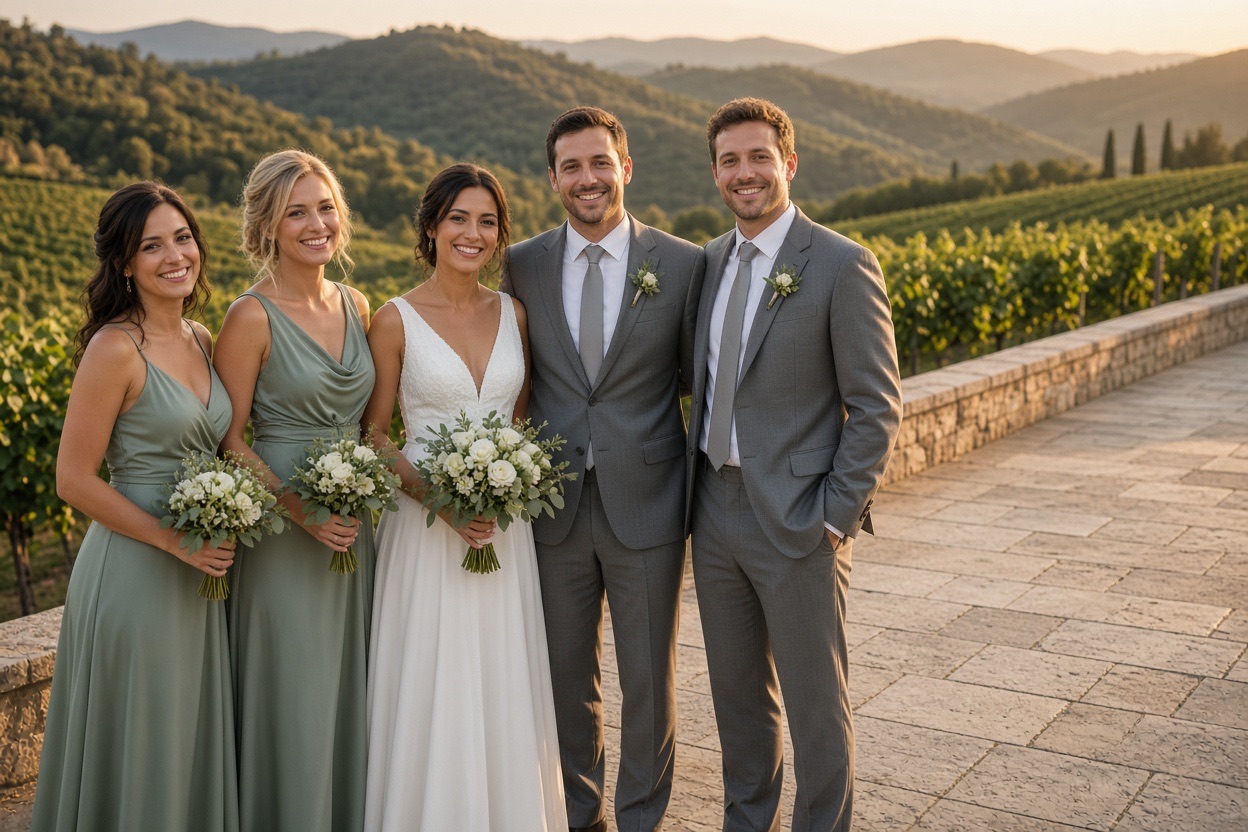
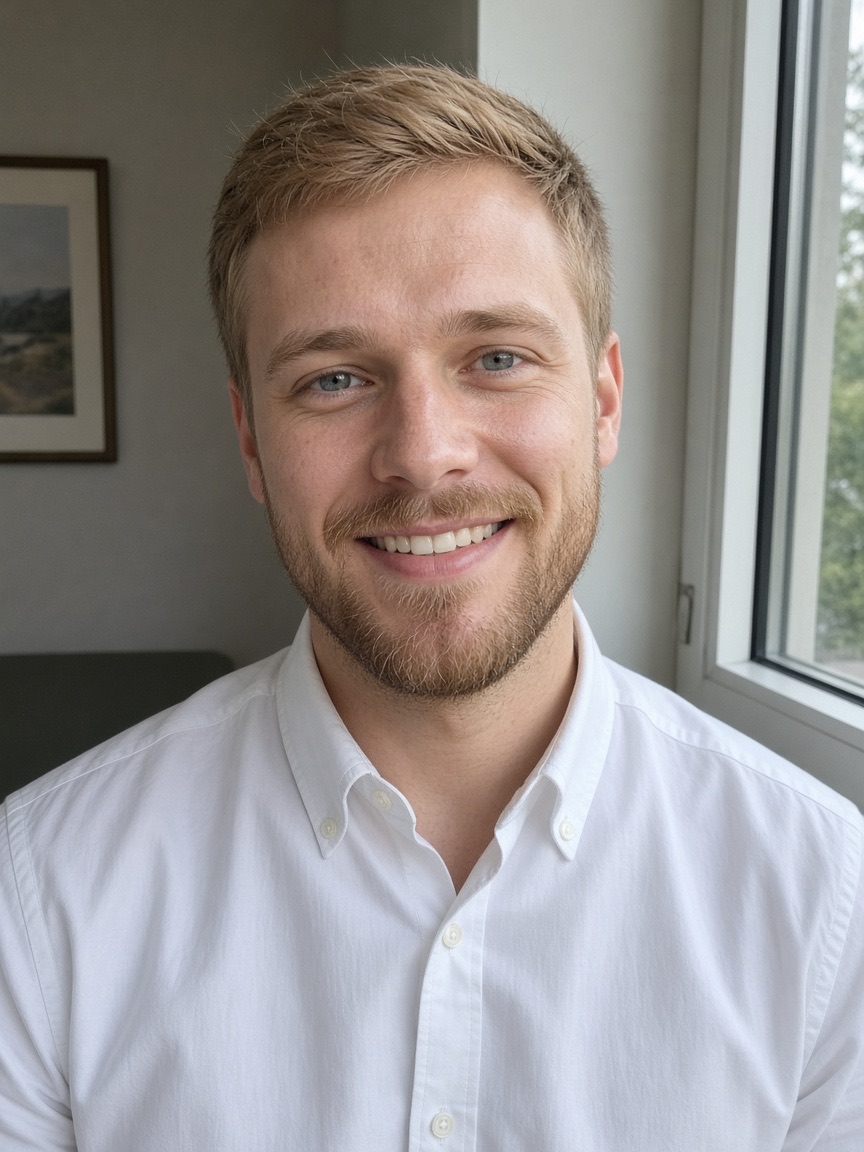
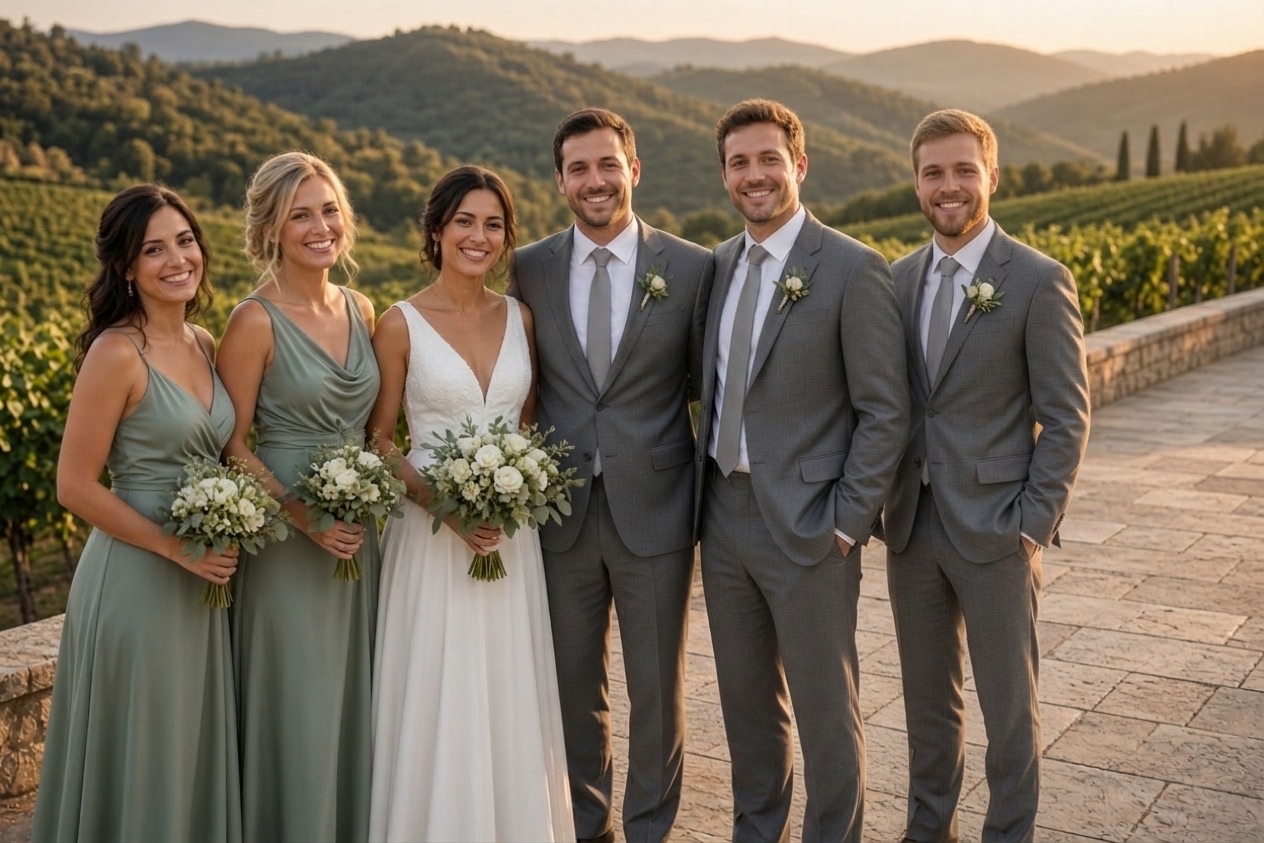
Each new photo was made from the photos beside it, in about a minute.
The people already in the photo keep their faces, clothes and poses.
How it works
To begin, upload the photo where someone has their eyes closed or half closed.
Then, optionally add another photo of the same person with open eyes, so the eye color and shape match.
Finally, press the button. In about a minute you get the same photo with their eyes open.
Upload, press one button, download. Nothing to install and nothing to learn.
One new photo, ready to print, about 1 minute.
Included with every photo
The first photo is free
Create an account and one credit is added. No card, the same full quality as a paid photo.
Credits1No watermark
Download the full photo, ready to print or share. The free one too.
photo-together-3f9a2c1e.jpg
Uploads deleted after 24 hours
Your photos are only used to make your picture. Never shown to anyone, sold or used to train AI.
- bbq-group.jpgdeletes in 23 h
- bbq-person.jpgdeletes in 23 h
Faces stay as they were
Everyone already in the photo keeps their face, clothes and pose. The background stays too.
One free redo
If the AI changed someone’s face, email us and that photo is made again for free.
- To
- hello@addpersontophoto.org
- Subject
- Redo my photo, please
On iPhone, Android and the web
Pick both photos from your camera roll and save the result straight back. Nothing to install.
- Photo Library
- Take Photo
- Choose File
What it fixes
- A blink in a group photo where everyone else looks perfect.
- Half-closed or squinting eyes from bright sun or laughing.
- Several people blinking in the same photo; all closed eyes are opened.
- Eyes caught mid-blink in a wedding, graduation or family portrait.
What stays the same
Only the eyes change. Faces, smiles, hair, clothing, the background, framing, color and grain are kept as they were, so the result looks like the same photo taken a moment later. The eyes are opened to look the way each person’s head is turned, so the gaze looks natural rather than staring.
When to add a second photo
Without a reference, the AI chooses eyes that fit the face, which works well for most photos. If eye color or shape matters, for example for a close-up portrait or a very distinctive look, add a second photo of the same person with open eyes. A photo from the same day, or any recent clear photo of their face, is best.
Tips
- Use the largest, sharpest version of the photo you have; tiny faces in a big group give the AI less to work with.
- Crop very wide photos so the faces are larger, then fix the eyes.
- For a reference photo, choose one where the person faces a similar direction.
Your photos are safe with us
The photos you upload are only used to make your picture, are never shown to anyone else and are deleted automatically 24 hours after upload. Your finished photo stays private in your account until you delete it. Photos of public figures and explicit content are refused automatically.
Questions
Yes. Upload the photo and the AI redraws the closed eyes open, matching the face, the light and the direction the person is looking. Everything else in the photo stays the same.
Upload the group photo as photo 1 and press the button. All closed or half-closed eyes are opened in one go. You can add a second photo of the person with open eyes for a closer match.
Usually, and closer still if you add a reference photo of the same person with open eyes. If the result does not look like them, email us and we will redo the photo once for free.
It is told to keep every face, expression, pose, the background and the colors exactly as they are, and to change only the eyes.
Your first photo is free when you create an account (one free photo per person and network every 30 days). After that, photos come in one-time packs: 5 photos for $4.99, 15 for $9.99 or 40 for $19.99. One credit is one photo, credits never expire, and there is no subscription. You can also buy a pack without creating an account.
The photos you upload are only used to make your picture and are deleted automatically 24 hours after upload. The finished photo is kept privately in your account so you can download it again, until you delete it with your account (Settings → Security → Delete account, which removes your photos right away) or ask us at hello@addpersontophoto.org. Photos are never shown to other visitors, sold or used to train AI.
If a photo fails or times out, its credit goes back to your balance automatically. If the photo is made but the AI changed someone’s face so they no longer look like themselves, email hello@addpersontophoto.org from the address on your account (or with your order receipt) and we will give you one free redo of that photo. A sharper photo where the face is large usually gives a closer likeness.
Yes. Upload the photo and the AI redraws the closed eyes open, matching the face, the light and the direction the person is looking. Everything else in the photo stays the same.
More ways to fix and combine group photos
- Add a Person to a PhotoAdd a person to a photo online: upload the group photo and a photo of the missing person, and get one natural picture with everyone in it. First photo free.
- Add a Person to a Photo FreeAdd a person to a photo free: create an account and your first merged photo is on us, with no watermark. Then one-time packs from $4.99, no subscription.
- How to Add a Person to a PhotoHow to add a person to a photo without Photoshop: match the camera angle, scale and shadows, then use an AI tool, a free editor or a retoucher. Works on iPhone, Android and PC.
- Combine Two Photos Into OneCombine two photos into one natural picture: merge people from separate photos into the same scene, not a side-by-side collage. First photo free.
- Add Someone to a Family PhotoAdd a missing person to a family photo: the relative who missed the reunion, the holiday dinner or the portrait day. Upload two photos, get one family photo.
- Add Someone to a Wedding PhotoAdd a person to a wedding photo: a bridesmaid, groomsman or relative who missed the bridal party or family portraits. Matching outfit and golden-hour light.