Add Someone to a Family Photo
Family photos are rarely complete: someone is working, living abroad, or holding the camera. Upload the family photo and a photo of the person who is missing, and you get one family photo with them in it, standing with everyone else in the same light.
First photo free with an account · then 5 photos for $4.99, no subscription
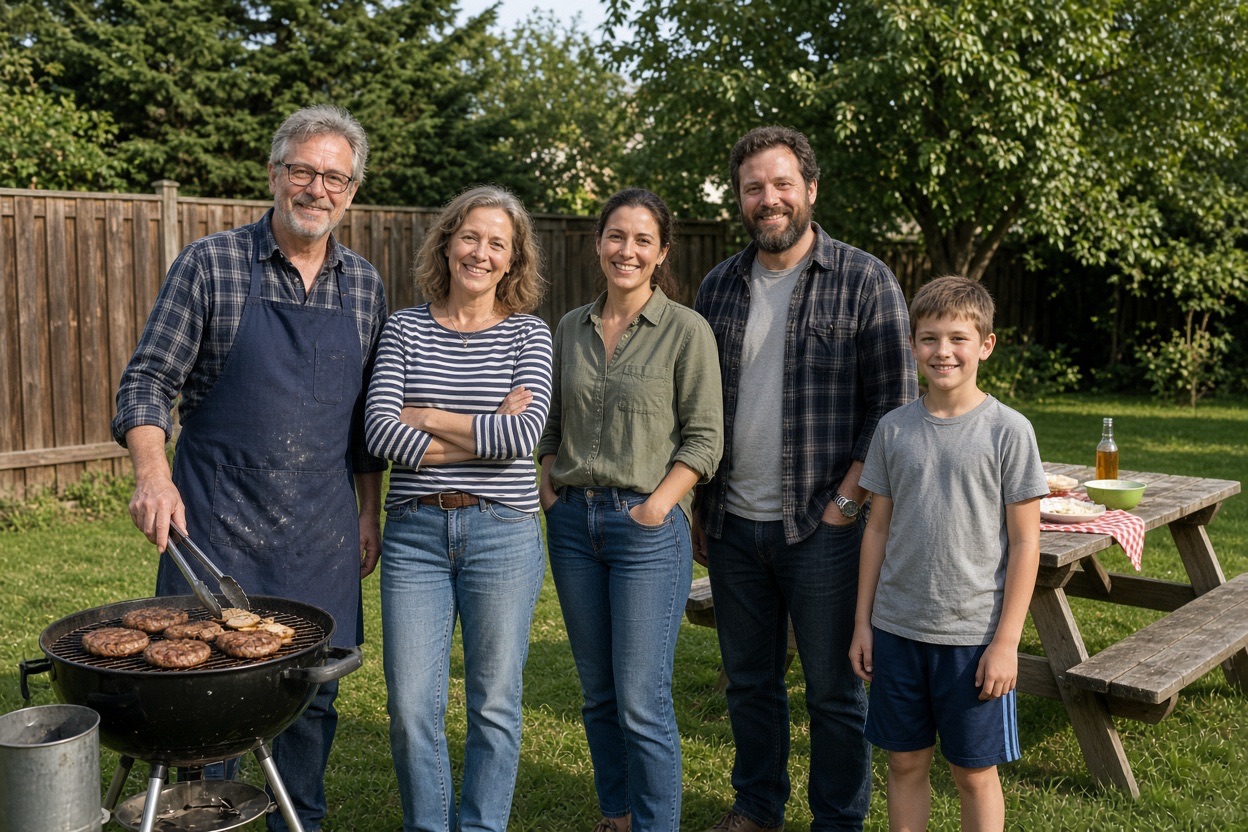
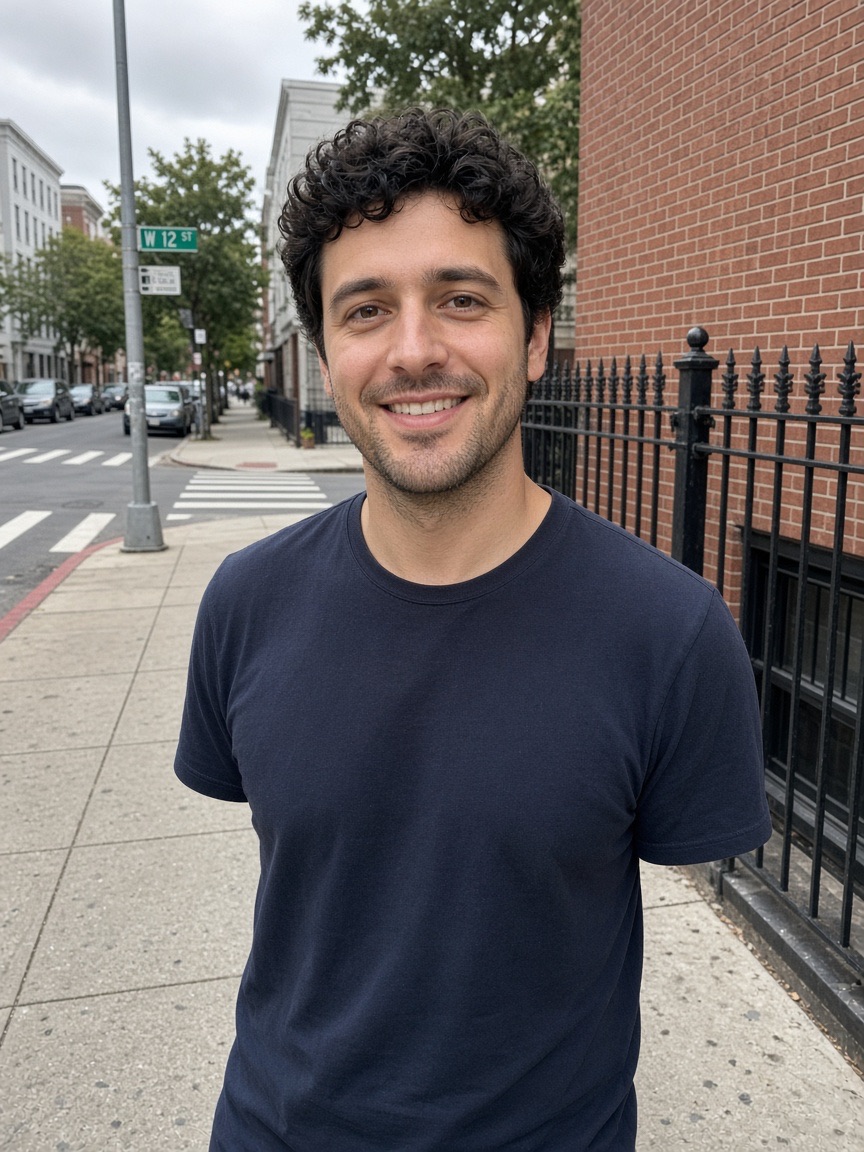
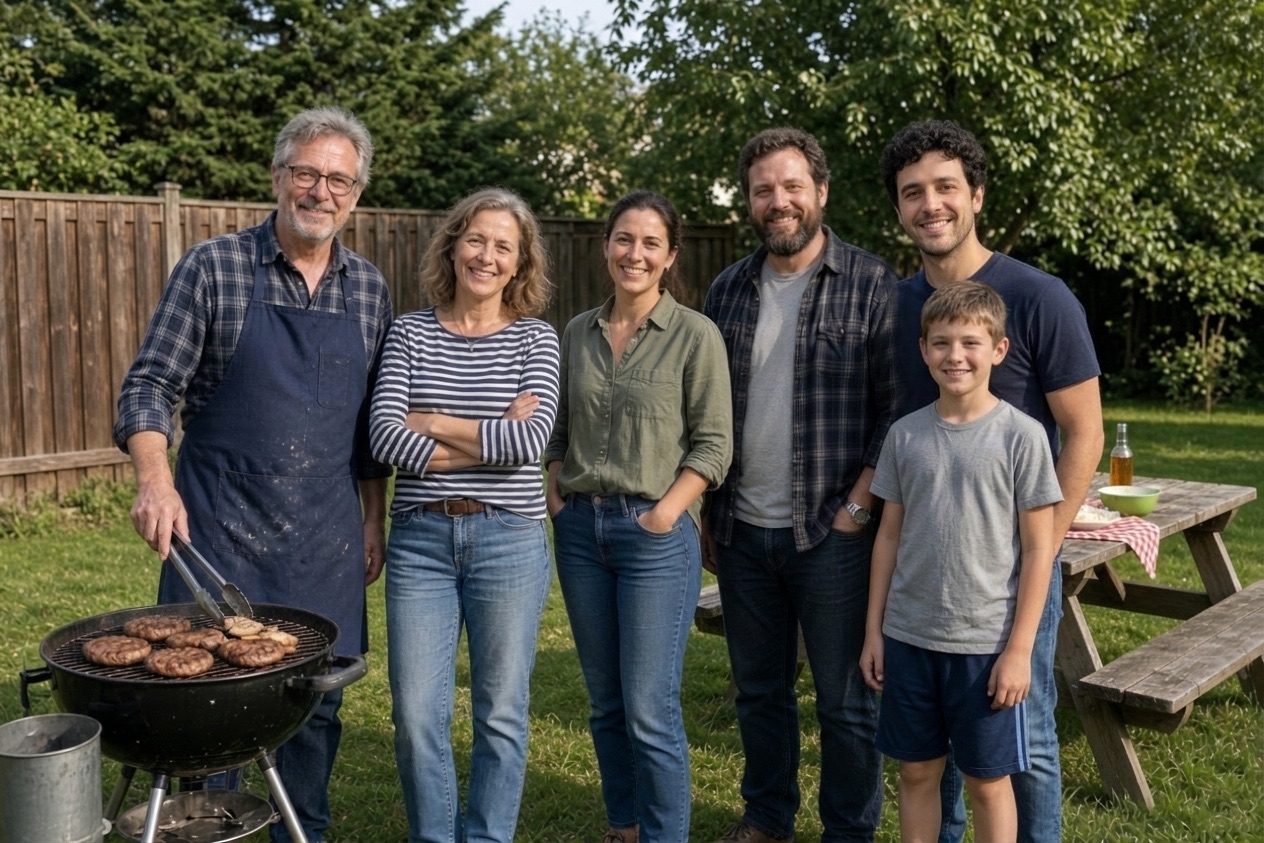
Three real results
Make yoursEach new photo was made from the photos beside it, in about a minute.
The people already in the photo keep their faces, clothes and poses.
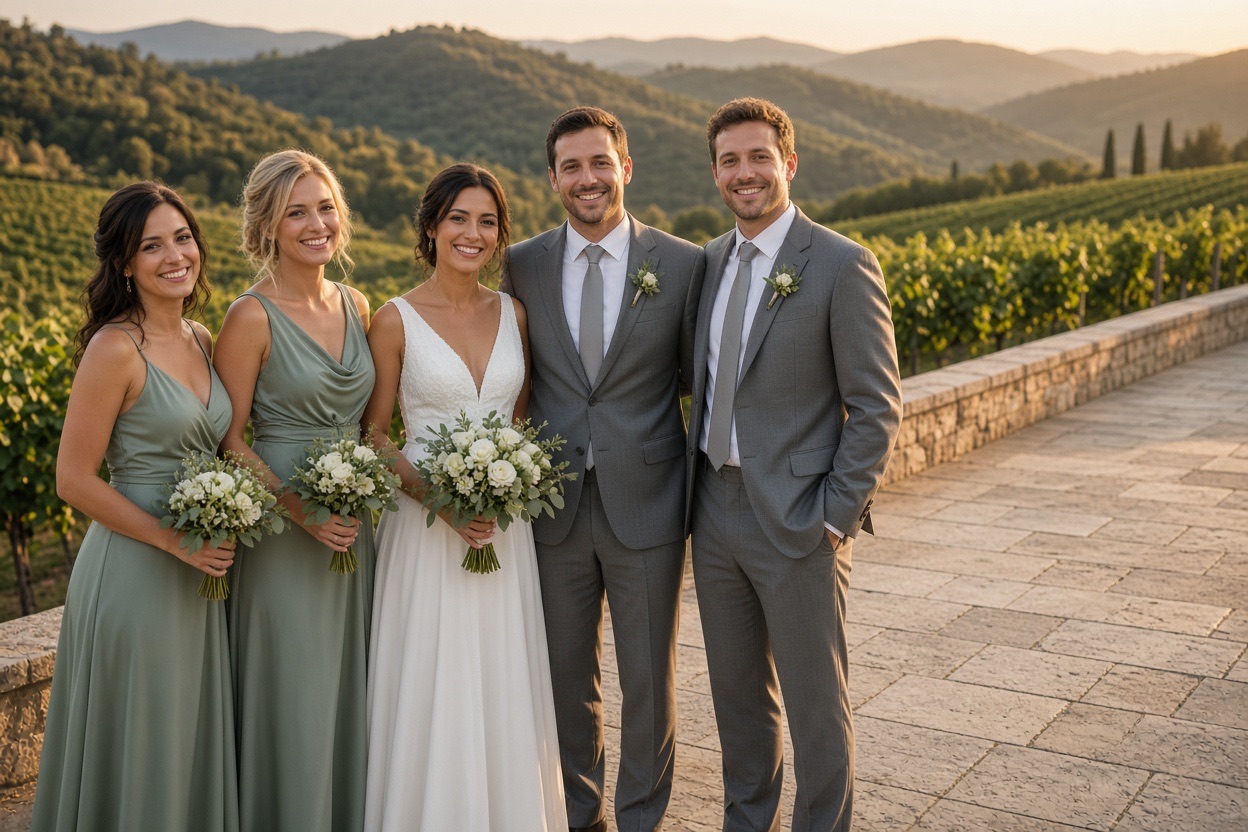
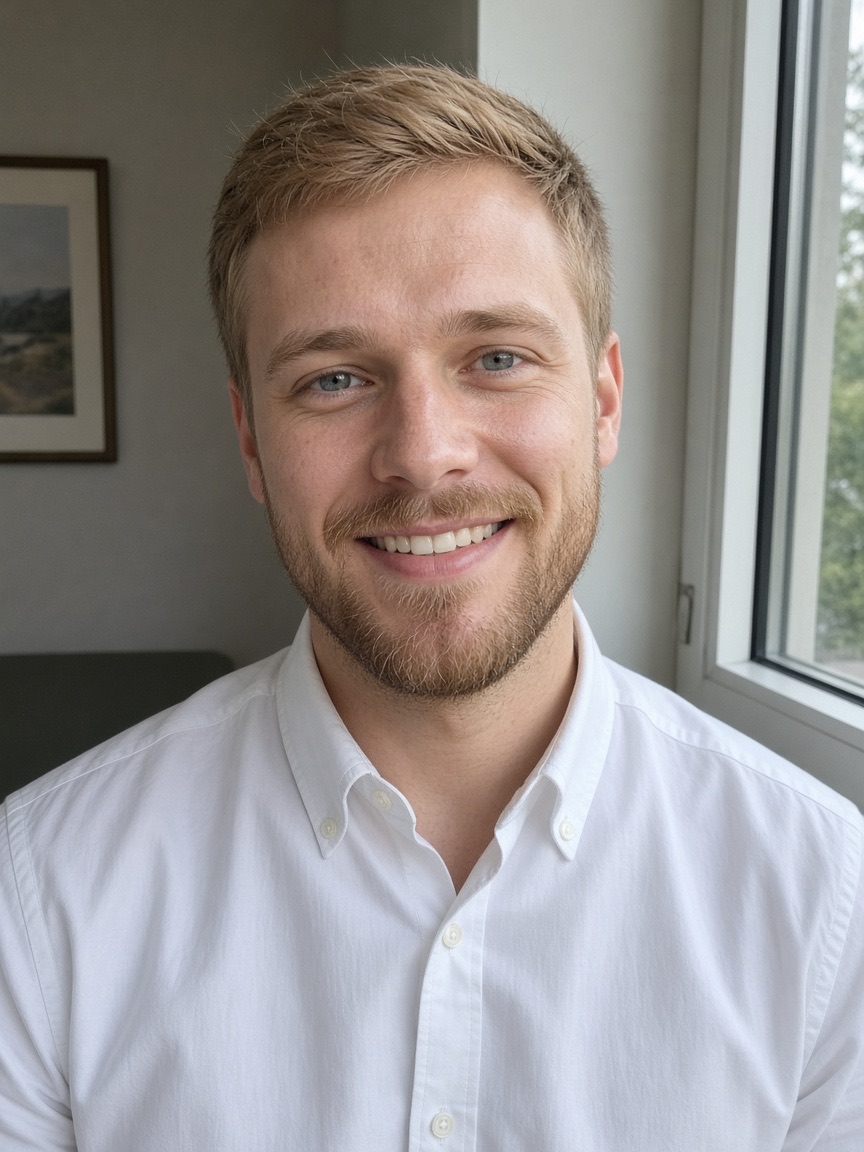
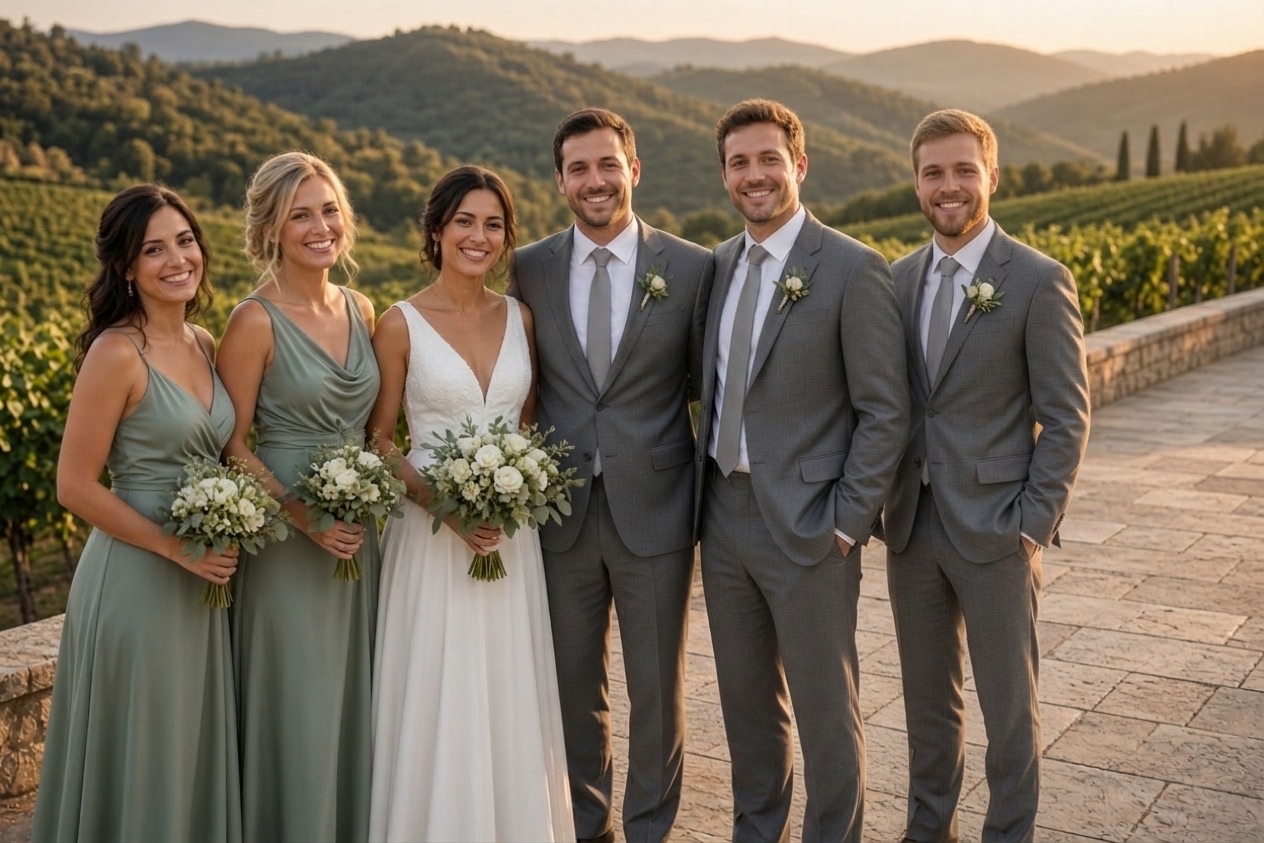
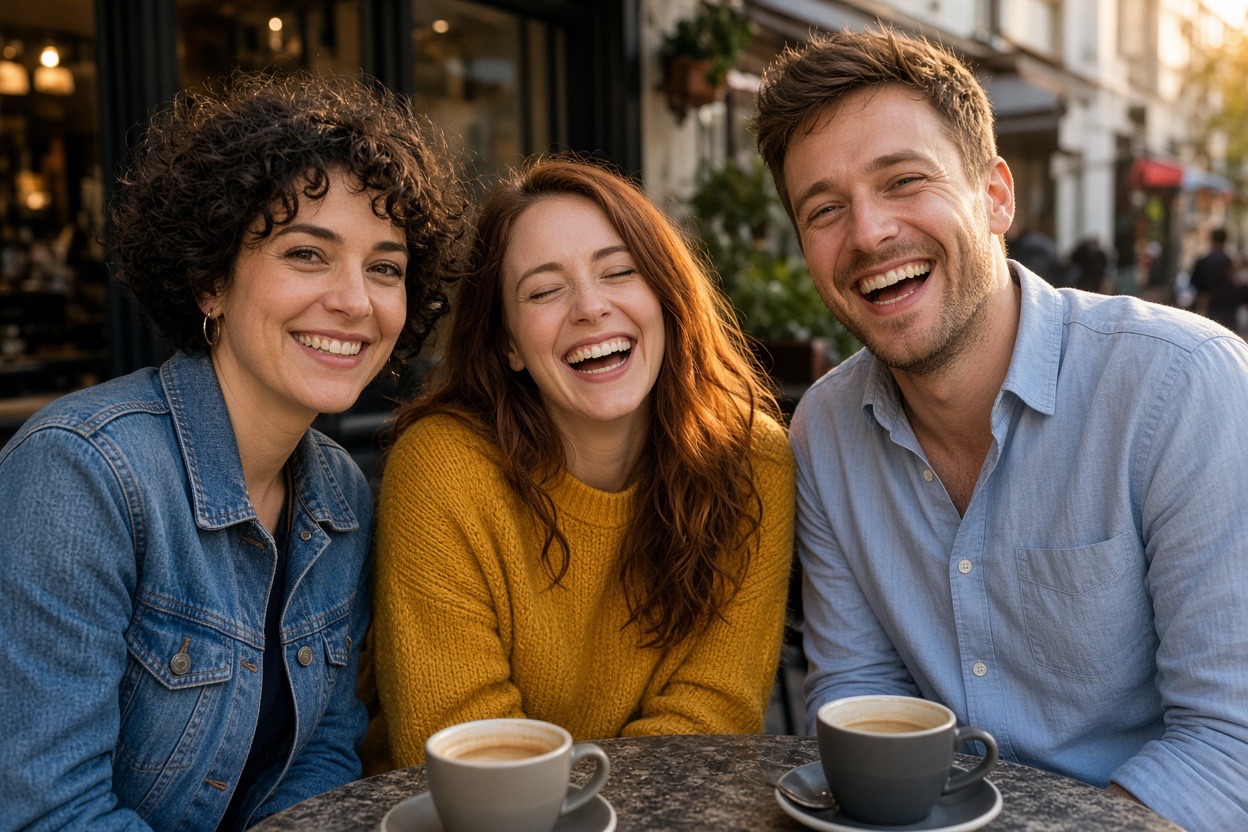
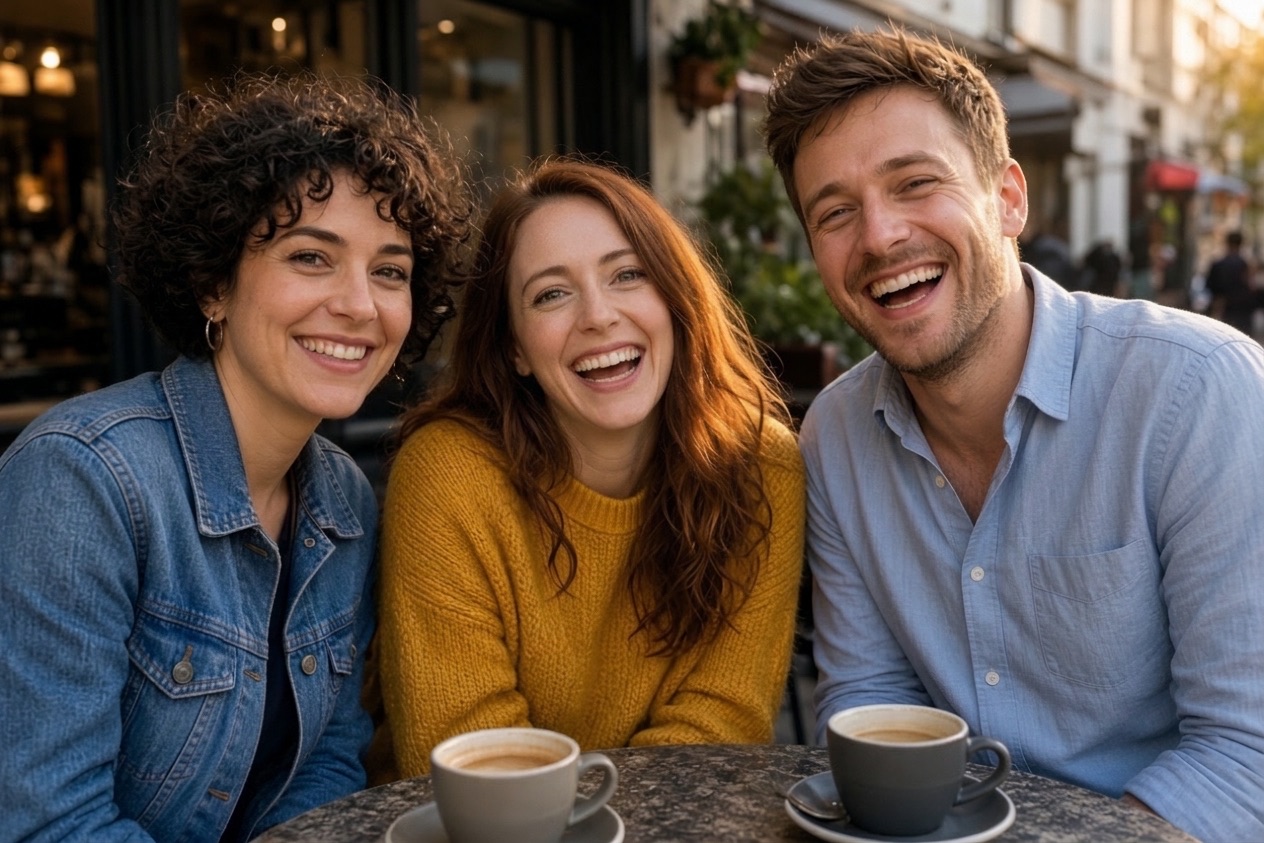
Each new photo was made from the photos beside it, in about a minute.
The people already in the photo keep their faces, clothes and poses.
How it works
To begin, choose the family photo: a reunion, a holiday, a birthday or a portrait.
Then, add a clear photo of the family member who is missing from it.
Finally, press the button and download the new family photo, ready to print or share.
Upload, press one button, download. Nothing to install and nothing to learn.
One new photo, ready to print, about 1 minute.
Included with every photo
The first photo is free
Create an account and one credit is added. No card, the same full quality as a paid photo.
Credits1No watermark
Download the full photo, ready to print or share. The free one too.
photo-together-3f9a2c1e.jpg
Uploads deleted after 24 hours
Your photos are only used to make your picture. Never shown to anyone, sold or used to train AI.
- bbq-group.jpgdeletes in 23 h
- bbq-person.jpgdeletes in 23 h
Faces stay as they were
Everyone already in the photo keeps their face, clothes and pose. The background stays too.
One free redo
If the AI changed someone’s face, email us and that photo is made again for free.
- To
- hello@addpersontophoto.org
- Subject
- Redo my photo, please
On iPhone, Android and the web
Pick both photos from your camera roll and save the result straight back. Nothing to install.
- Photo Library
- Take Photo
- Choose File
Family photos people complete
- Holiday and Thanksgiving dinners where one sibling could not travel home.
- Family reunions and big birthdays with a cousin who arrived after the photo.
- Formal family portraits where a parent or grandparent was unwell that day.
- Vacation photos missing the parent who took every picture.
- A new baby photo with a grandparent who lives far away.
Where to place them
The tool finds a natural spot: at the end of a row, half behind someone or in a gap between people. A family photo with a little space beside someone, taken outdoors or in soft light, gives the most natural result. If you want them beside a particular person, choose a photo where there is room next to that person.
Children in family photos
Family photos with children work fine. The children already in the photo are kept as they are. Please only use photos of your own family, or of people who agreed to it.
Tips for the most natural result
- Use a photo of the person where the face is sharp and well lit, ideally facing the camera from roughly the same height as the group photo.
- Pick a group photo with a little room at one side or between two people, so there is a natural place to stand.
- Similar light helps: an outdoor daylight photo of the person blends best into an outdoor group photo.
- A waist-up or full-body photo of the person gives the AI more to work with than a tight face crop.
- If the first result is not right, try another photo of the person. A different angle often looks more natural.
Your photos are safe with us
The photos you upload are only used to make your picture, are never shown to anyone else and are deleted automatically 24 hours after upload. Your finished photo stays private in your account until you delete it. Photos of public figures and explicit content are refused automatically.
Questions
Upload the family photo as photo 1 and a photo of the person who is missing as photo 2, then press the button. In about a minute you get one family photo with everyone in it.
Yes. Old prints photographed with your phone work as photo 1, and the added person is matched to the photo’s color and grain. A clear photo of the person to add gives the best likeness.
Add one person per photo, then use the result as photo 1 to add the next. Each person costs one credit.
Yes. You download a high-quality JPG or PNG, which prints well up to about 5×7 inches and looks good in a frame or a photo book.
Your first photo is free when you create an account (one free photo per person and network every 30 days). After that, photos come in one-time packs: 5 photos for $4.99, 15 for $9.99 or 40 for $19.99. One credit is one photo, credits never expire, and there is no subscription. You can also buy a pack without creating an account.
Please only use photos of yourself, your family and friends, or people who agreed to it. Photos of celebrities or other public figures, and photos with nudity or violence, are refused automatically and you are not charged.
The photos you upload are only used to make your picture and are deleted automatically 24 hours after upload. The finished photo is kept privately in your account so you can download it again, until you delete it with your account (Settings → Security → Delete account, which removes your photos right away) or ask us at hello@addpersontophoto.org. Photos are never shown to other visitors, sold or used to train AI.
Upload the family photo as photo 1 and a photo of the person who is missing as photo 2, then press the button. In about a minute you get one family photo with everyone in it.
More ways to fix and combine group photos
- Add a Person to a PhotoAdd a person to a photo online: upload the group photo and a photo of the missing person, and get one natural picture with everyone in it. First photo free.
- Add a Person to a Photo FreeAdd a person to a photo free: create an account and your first merged photo is on us, with no watermark. Then one-time packs from $4.99, no subscription.
- How to Add a Person to a PhotoHow to add a person to a photo without Photoshop: match the camera angle, scale and shadows, then use an AI tool, a free editor or a retoucher. Works on iPhone, Android and PC.
- Combine Two Photos Into OneCombine two photos into one natural picture: merge people from separate photos into the same scene, not a side-by-side collage. First photo free.
- Open Closed Eyes in a PhotoOpen closed eyes in a photo with AI: fix someone who blinked in a group picture so their eyes look naturally open, with everything else left untouched.
- Add Someone to a Wedding PhotoAdd a person to a wedding photo: a bridesmaid, groomsman or relative who missed the bridal party or family portraits. Matching outfit and golden-hour light.